Last updated: July 2026
The right quiz plugin turns a passive page into engagement, leads, and data — the wrong one leaves you fighting a form builder that was never meant to score answers. We compared the 12 best WordPress quiz plugins for 2026 across the things that actually matter: question types, grading and result logic, lead capture, integrations, and pricing model.
The short version: Quiz and Survey Master (QSM) is the best free-first, dedicated quiz plugin — 15+ question types, graded quizzes and exams, and 30+ add-ons — trusted by 1.2M+ users at a 4.9/5 rating. Below is the at-a-glance comparison, the best pick for each use case, and then the full reviews.
WordPress quiz plugins compared at a glance (2026)
| Plugin | Free version | Question types | Graded quiz / exam | Key integrations | Best for | Pricing |
|---|---|---|---|---|---|---|
| Quiz and Survey Master (QSM) | ✅ Yes (full-featured) | 15+ | ✅ Yes | Mailchimp, Zapier, WooCommerce, AI | Dedicated quizzes + graded exams, free-first | Free; Pro from $149/yr |
| WPForms (Quiz addon) | Limited (Lite) | Form-based | ✅ Yes | 6,000+ via addons/Zapier | Form-builders who want AI quiz generation | Freemium (paid tiers) |
| Thrive Quiz Builder | ❌ No | Outcome / personality | Branching score | Thrive Suite, ESPs | Lead-gen & list-building quizzes | Paid (yearly) |
| Forminator | ✅ Yes | Form + quiz | Knowledge / personality | WPMU DEV, PayPal/Stripe | Free all-round form + quiz + poll | Freemium |
| Quiz Maker (AYS) | ✅ Yes | 10+ | ✅ Yes | Mailchimp, Zapier | Exam-style quizzes on a budget | Freemium |
| WP Quiz | ✅ Yes | Viral / trivia | Basic | — | BuzzFeed-style viral quizzes | Freemium |
| HD Quiz | ✅ Yes | Trivia | Basic scoring | — | Simple free trivia quizzes | Free |
| Interact | ❌ No (SaaS) | Outcome / personality | ❌ No | ESPs, CRMs | Hosted lead-gen quiz funnels | Paid (SaaS) |
| Formidable Forms (Quiz Maker) | Limited | Form-based | ✅ Yes | 90+ | Data-heavy forms that also grade | Freemium (paid tiers) |
| OpinionStage | ❌ No (SaaS) | Outcome / poll | Basic | ESPs | Embedded interactive content | Freemium (SaaS) |
| LearnDash (quizzes) | ❌ No | LMS quiz | ✅ Yes | LMS stack | Course exams inside an LMS | Paid (yearly) |
The best WordPress quiz plugin for each use case
- Best overall & best free: Quiz and Survey Master — dedicated quiz engine, 15+ question types, graded exams, and 30+ add-ons, free to start.
- Best for lead-gen: Thrive Quiz Builder (paid, list-building focus).
- Best free all-rounder: Forminator (forms + quizzes + polls in one).
- Best for viral trivia: WP Quiz.
- Best budget exam tool: Quiz Maker (AYS).
Not sure where to start? Build a full graded quiz today with QSM’s free version and only upgrade when you need conditional logic, integrations, or advanced reporting. If your exam is the priority, see our best online exam WordPress plugin guide; teachers should read best online quiz makers for teachers.
Here are the 12 best WordPress quiz plugins reviewed in detail:
Table of Contents
1. Quiz and Survey Master Plugin
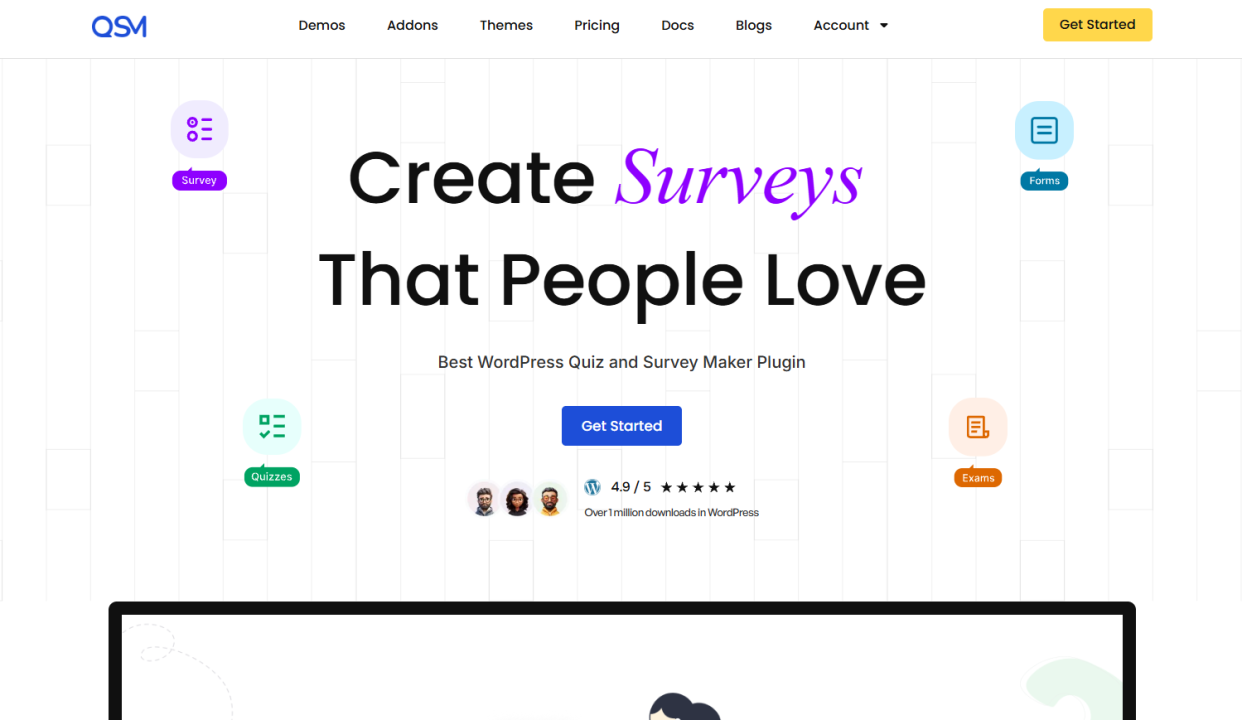
Quiz and Survey Master is the quiz builder for WordPress users who need more than just trivia; think timed assessments, personality outcomes, branching question paths, and media-rich questions, all managed from your own dashboard. With over 1.2 million downloads and a 4.9/5 rating, it’s the most trusted dedicated quiz plugin in the WordPress repository.
The free core plugin covers unlimited quizzes, 15+ question types, score-range result pages, a built-in timer, and email notifications, all with no coding required. Premium addons extend it further:
- AI Integration — generate full question sets from a topic prompt using ChatGPT
- Gamify — unlock quizzes sequentially to build progression paths and drive repeat visits
- Logic — show or hide questions based on previous answers for branching quiz flows
- Advanced Assessment — assign labels to answers and deliver personalized outcome profiles for personality quizzes
- Leaderboard — display ranked results to encourage competition and repeat attempts
- Certificate — issue branded certificates to quiz completers
- Zapier, Mailchimp, ActiveCampaign, Google Sheets — connect quiz results directly to your marketing stack
Pricing: Free plan available. Premium plans start at $149/year. 14-day money-back guarantee.
2. Quiz Cat

You may make as many mobile-friendly questions as you want with the help of the straightforward WordPress Quiz plugin, Quiz Cat. It utilizes the WordPress posts system as its editor and has its own Gutenberg block.
In addition, the plugin offers quiz capabilities like inserting images and showing the right answer after each question, as well as the drag-and-drop function.
- Each quiz’s landing page may additionally have a title and a CTA button.
- There are options for saving and previewing. Each question also comes with a shortcode, allowing you to place it anywhere on your website.
- Any language can be used to translate Quiz Cat’s text strings and quizzes.
- Users can only create one multiple-choice quiz type with the free plan, though.
- Quiz Cat does not offer social sharing options, and additional customization requires knowledge of HTML.
3. HD Quiz

With the help of the very basic quiz builder plugin HD Quiz, users may make an infinite number of straightforward WordPress quizzes. The shortcode for each quiz can be used anywhere on the website as well.
The quizzes might have numerous response options, open-ended questions, or both.
- To make the quizzes more engaging, you may also include an image or an animated GIF, set a timer, and randomly select the questions and answers.
- Also, marking choices are provided. For instance, show the right and wrong answers in bold, mark each response when it is given, and prohibit users from amending their choices.
- The CSV uploader in HD Quiz allows users to include prepared questions as well.
- Pass rate percentages can be modified, and buttons can be given new names.
- There are editable pop-up statements for selecting incorrect answers, passing, or failing the test.
4. Forminator

Forminator is a WordPress form builder that also can create quizzes with a variety of features. You can quickly create a functioning quiz using the drag-and-drop functionality and the editor’s straightforward interface.
- From the question layout, fonts, and colors to the box style, photos, and buttons, every component is editable.
- By employing the translation files, the quiz might also be made available in multiple languages.
- Feasible is custom CSS editing.
- To check if the quiz design fits with the overall theme of your website, click the live preview button.
- The tests are mobile-friendly so that users can access them anywhere.
5. Poll, Survey & Quiz by OpinionStage

For those who wish to easily construct personality and trivia quizzes on WordPress, this plugin is available. You may get your quizzes prepared in a matter of minutes thanks to its user-friendly editor and free templates.
Fonts, colors, and quiz box sizes can all be changed for a customized look. To make any form of quiz more engaging, you may also incorporate graphics and videos.
- Your quizzes can be added to the website in any location you choose, including a sidebar, a post, or a pop-up message.
- Quizzes may be shared on social media, and the design is screen-responsive.
- You may view the submission data in the analytics section as tables and graphs.
- For added security, you can download them as CSV or XLS files.
6. Quiz Maker
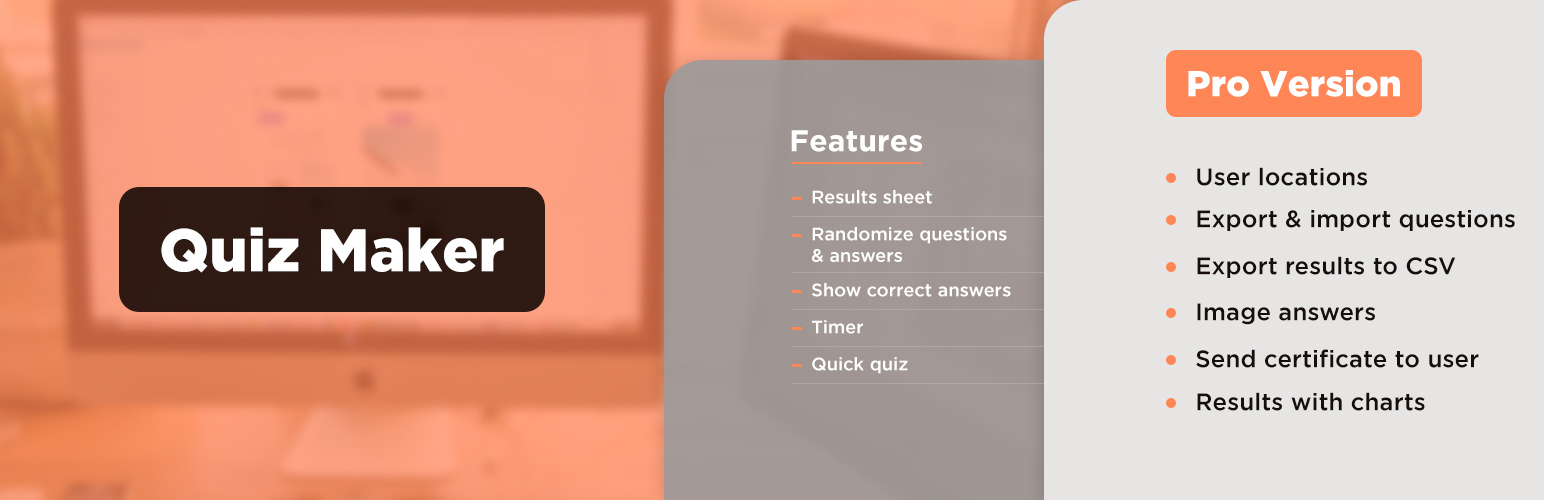
One of the free WordPress quiz plugins, Quiz Maker, enables you to easily create intricate tests and quizzes. Seven distinct types of questions are available, including multiple-choice questions with a checkbox, radio button, or dropdown menu, true-or-false questions, yes-or-no questions, text, numeric, or date questions, and more.
- The quiz has many choices for allowing you to customize your quizzes. The questions and answers can be chosen at random.
- Up to 100 questions can be added to a question bank, and the plugin can then randomly select 20 of those questions for a quiz.
- You can limit the times that people can access your quizzes.
- In addition to the quiz maker, this plugin vendor also offers free poll and survey maker plugins.
- You can also include a popup box, a FAQ builder, and a plugin for photo galleries.
7. Interact Quiz Maker
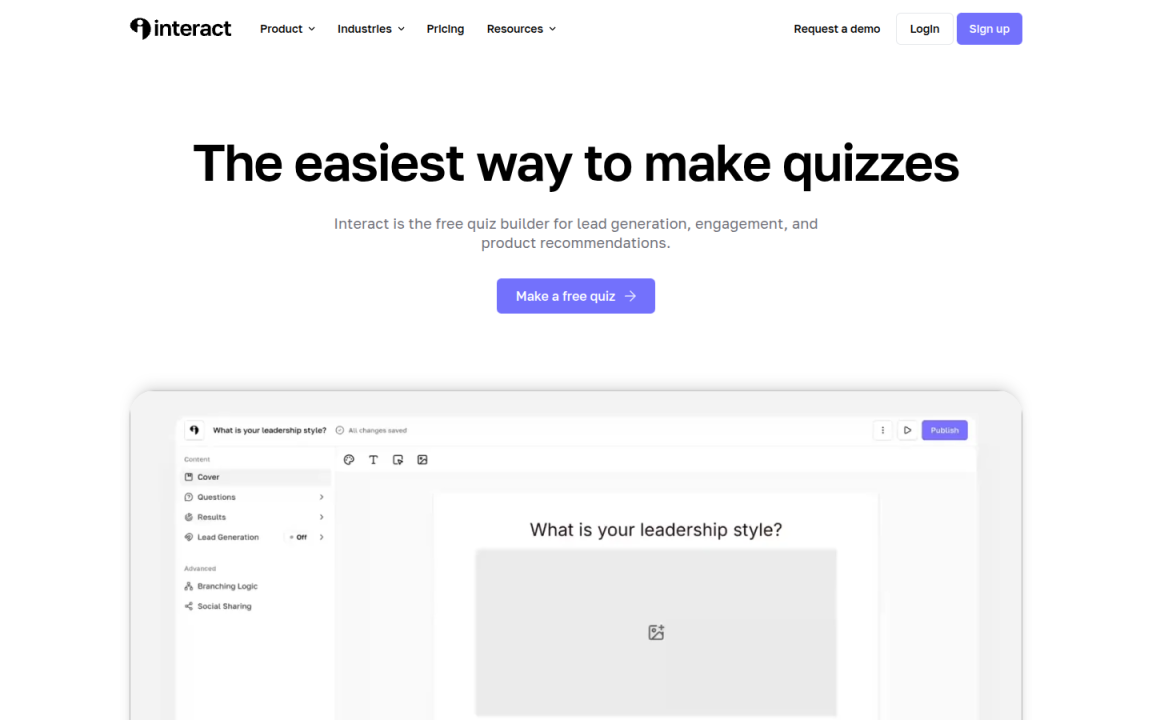
A sophisticated web-based application called Interact Quiz Maker allows users to make popular questions that may be used to attract new leads, social media followers, website visitors, and sales. It offers a convenient drag-and-drop quiz builder that enables you to create incredibly interesting tests.
- There are more than 800 ready-to-use question templates available, as well as a range of styles, colors, and patterns.
- With the capability for quiz branching, you may display questions based on the user’s responses to earlier ones.
- By utilizing their scoring system, you may readily display the findings at the conclusion.
- It integrates perfectly with your CRM and email marketing platform and is a simple shortcode away from being put on your website.
8. WordPress Viral Quiz Plugin

WordPress Viral Quiz is a simple-to-use plugin for making interesting personality quizzes or trivia. It may be translated into more than 10 different languages and is compatible with any WordPress theme. Additionally, you can view submission data using Google Analytics and it is entirely responsive to any screen size.
- You can download quizzes you have already created and upload pre-made quizzes using the plugin.
- Quizzes can be added anywhere on your WordPress website using shortcodes, or even outside of it using an iFrame code.
- Before seeing the results, you can also urge participants to share the quiz on Facebook by adding more share icons to the results page.
- Making participants enter their names and emails either before the quiz or on the results page is another way to get leads.
9. Formidable Forms

Formidable Forms is the industry’s most powerful WordPress form builder plugin. It comes with a straightforward but effective drag-and-drop form builder that enables you to create forms other than contact forms.
- It includes a variety of helpful form templates, or you can start from scratch with a blank form.
- You can either create tests that are automatically graded or create your grading system.
- After a user submits a quiz, the result can be emailed or shown in a success message.
- The quiz score can also be formatted in several different ways, such as total answers, letter grade, and percentage of correct answers.
10. Modal Survey
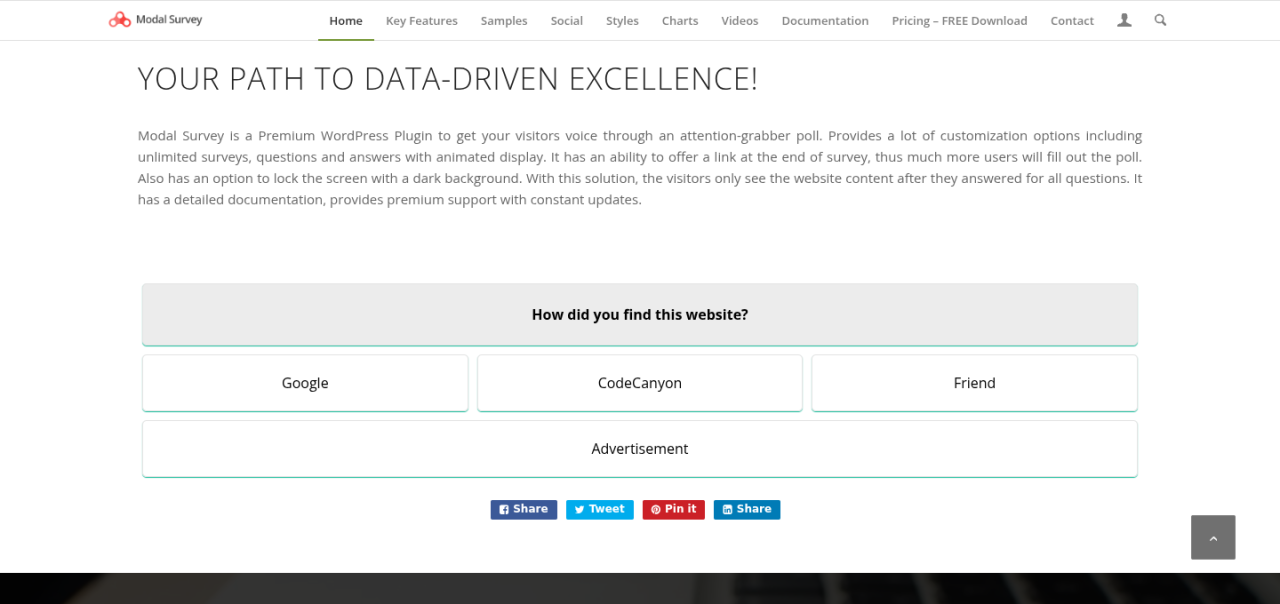
Modal Survey is a paid WordPress Quiz plugin, however, it enables you to make an infinite number of trivia or personality tests. It’s crucial to remember that the user interface has a more difficult learning curve.
- This WordPress quiz plugin allows for multiple-choice questions, open responses, lists, numbers, and dates.
- Quiz file exporting and importing are other options. Customizable options include fonts, colors, box design, and size.
- A progress bar and timer can both be included in a quiz.
- You are free to present the quiz as a pop-up, page, or post. Charts and graphs will display the quiz results and participant scores.
- There are five file types to which this data can be exported, including PDF, and CVS
11. LearnPress
LearnPress is a well-liked, free WordPress quiz plugin. LearnPress makes it simple to create quizzes, unlike other WordPress quiz plugins, so you can give students interactive learning experiences on your website.
- You may create timed tests, plan courses, handle enrollments, and provide certifications and badges with its assistance.
- These tests may be timed and may have a range of question types, including multiple-choice and true/false questions.
- LearnPress offers a paid add-on called Random Quiz that randomly shuffles a quiz’s questions.
- When repeating a quiz in this way, students will get new questions from their peers.
12. WP Quiz

The WordPress quiz plugin WP Quiz is user-friendly and customizable. There are three different quiz types: personality, trivia, and flip cards. You can, among other things, display the results at the end of the quiz, let people restart it, and incorporate images in your questions and answers.
- The two quiz types that WP Quiz offers are multi-page and single-page quizzes.
- You can make your page auto-scroll and include social sharing links.
- The plugin’s pro edition enables you to force users to take a certain action before they can see the results, randomly select questions and answers, set a countdown timer, and display advertisements.
FAQs
Which is the best quiz plugin for WordPress?
The Best Quiz plugin for WordPress is Quiz and Survey Master Quiz plugin. With over 40000 installations and a 5-star rating, QSM sits on the top of the list of best WordPress quiz plugins. Check out the List of best quiz plugins for wordpress
How do I create an interactive quiz in WordPress?
Here’s how you can use the QSM plugin to create an Interactive Quiz in WordPress:
Step 1: Installing the QSM plugin
Step 2: Creating an Interactive Questionnaire
Step 3: Use the QSM tabs and Configure the Quiz
Step 4: Customize themes and options
Step 5: Preview and Publish the interactive quiz!
How do I embed a quiz in WordPress?
You can embed a quiz in WordPress in the following ways in the QSM plugin:
Method 1: By Linking the Quiz Page
Method 2: By Adding a Quiz to the Post
Method 3: By Linking through the shortcode
Method 4: By adding a PopUp
Method 5: Display Widget on Your Website
Method 6: Using the Gutenberg block
Which WordPress Plugin is Best For You?
The decision is now YOURS after we’ve gone over the list of the top 10 quiz plugins for your WordPress website. Yes, in the end, it is entirely up to you to decide which WordPress Quiz Plugin is the ideal fit for your website to engage an increasing number of users.
The QSM plugin is a good option if you want a plugin with a comprehensive range of capabilities. The finest options for individually optimizing the quiz questions as well as the Results pages are found in the QSM plugin.
Quiz and Survey Master offers you paid add-ons that make your quiz-making experience smoother than ever! You can avail of these add-ons separately or in bundles. These bundles are created for your basic, plus, and pro needs.
If you liked what you read, you might also be interested in the top WordPress themes and plugins or the top 10+ full-site editing themes.